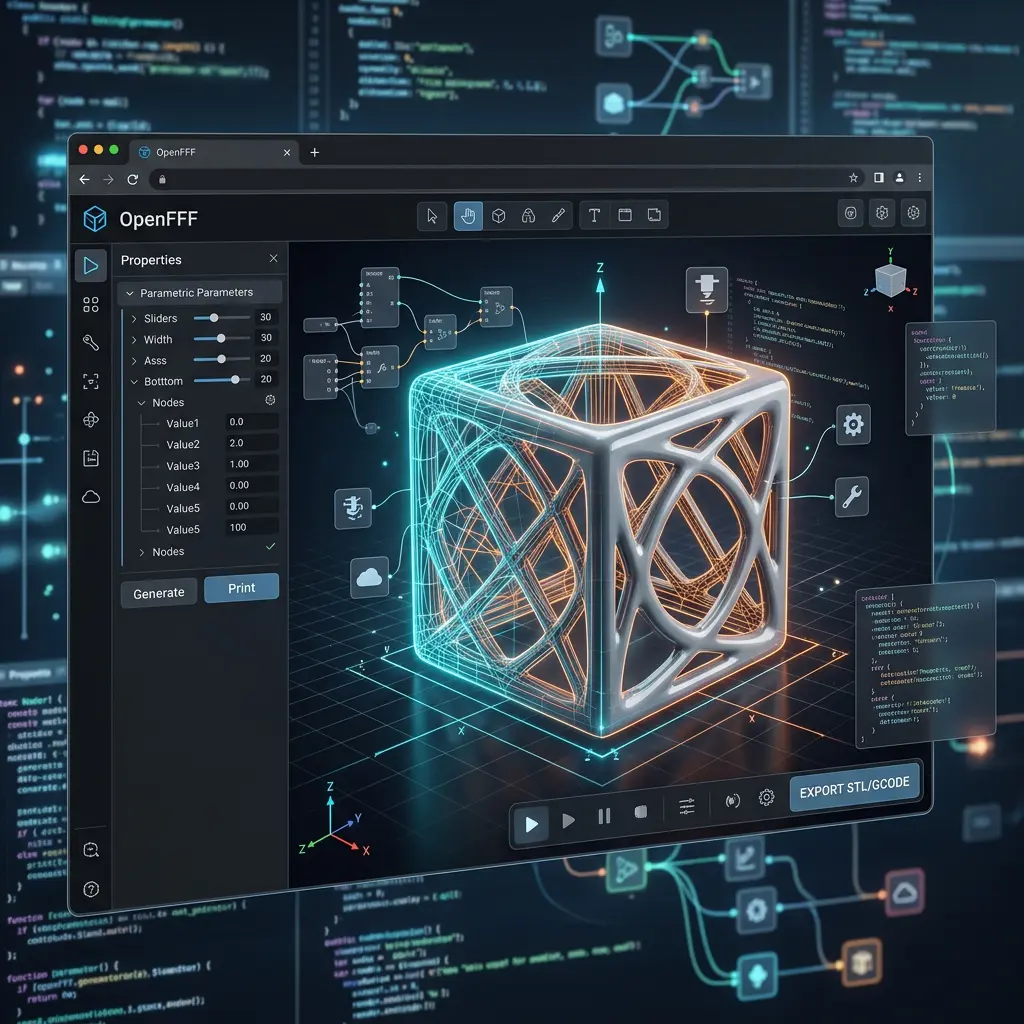
Building a Cloud OpenSCAD Compiler: Real-Time 3D Parametric CAD on Low-Powered Clients
Why client-side WebAssembly crashes mobile browsers, and how server-side headless CAD engines liberate collaborative engineering.
1. The Paradox of In-Browser Parametric CAD
Parametric 3D modeling—generating physical geometries through mathematical code rather than manual polygon sculpting—is one of the most powerful paradigms in modern manufacturing. Tools like OpenSCAD allow engineers to define precise mechanical tolerances, bayonet locks, and custom screw threads using code variables.
However, bringing OpenSCAD to the web has historically hit a massive bottleneck: computation.
Traditional In-Browser WebAssembly (WASM):
┌────────────────────────────────────────────────────────┐
│  Client Device (Chromebook, iPad, Budget Laptop)       │
│  ┌──────────────┐    ┌─────────────┐    ┌───────────┐  │
│  │ Monaco Code  │ ──>│ WASM Engine │ ──>│ 💥 Freeze │  │
│  │ Editor       │    │ (High RAM)  │    │ (Crash)   │  │
│  └──────────────┘    └─────────────┘    └───────────┘  │
└────────────────────────────────────────────────────────┘
When web applications compile OpenSCAD code entirely inside the browser using WebAssembly (WASM):
- Single-Threaded CPU Lock: Complex Constructive Solid Geometry (CSG) operations like
minkowski(),linear_extrude(), or high-facet$fn=100cylinders freeze the browser’s main JavaScript thread. - Mobile Memory Exhaustion: Mobile devices and Chromebooks quickly exhaust their memory sandboxes, resulting in silent page crashes (
Aw, Snap!). - Heavy Client Bundles: Downloading large multi-megabyte WASM binaries on cellular connections destroys First Contentful Paint (FCP) and Time to Interactive (TTI).
To solve this, we architected a distributed headless cloud compiler at AHM Labs. By offloading 3D mesh compilation to a dedicated server cluster, users on any device—from a £100 Chromebook to a smartphone—can modify parametric CAD code and receive compiled 3D models in milliseconds.
2. System Architecture: The Cloud CAD Pipeline
Our cloud compilation pipeline decouples the lightweight code editing frontend from the raw compute resources required for geometry slicing and CSG boolean math.
AHM Labs Cloud CAD Pipeline:
┌────────────────────────────────┐
│  Client (Mobile/Tablet/Web)    │
│  Monaco Editor + Three.js      │
└────────────────────────────────┘
               │  POST /api/initRender
               ▼
┌────────────────────────────────┐
│  Reverse Proxy & Express API   │
│  (Auth, Rate Limiting, Cache)  │
└────────────────────────────────┘
               │
      ┌────────┴────────┐
      ▼ (Cache Miss)    ▼ (Cache Hit)
┌──────────────┐ ┌───────────────┐
│ BullMQ/Redis │ │ Fast STL      │
│ Render Queue │ │ Static Server │
└──────────────┘ └───────────────┘
      │
      ▼
┌────────────────────────────────┐
│  Worker Daemon                 │
│  • Headless Xvfb Framebuffer   │
│  • OpenSCAD Nightly CLI        │
│  • Binary STL / 3MF Serializer │
└────────────────────────────────┘
               │
               ▼
┌────────────────────────────────┐
│  Three.js WebGL Scene (Client) │
│  Instant 60 FPS Orbit & Rotate │
└────────────────────────────────┘
Key Components
-
Deterministic Geometry Caching: Before invoking the compiler, the API hashes the model payload and variable parameters. If an identical geometry has already been compiled, it serves the cached binary STL directly from edge disk storage in under 12ms.
-
Asynchronous BullMQ & Redis Job Queue: When a user modifies parameters, the request is pushed into a prioritized Redis queue. This prevents compute starvation during concurrent traffic spikes and provides graceful backpressure management.
-
Headless Xvfb Display Server & Mesa Drivers: OpenSCAD’s rendering engine relies on OpenGL context to compute boolean operations and export CSG trees. Our Docker container runs a lightweight X Virtual Framebuffer (Xvfb), creating a virtual headless display environment inside Debian Bookworm without requiring a physical GPU.
-
Binary STL Streaming to Three.js: Once compiled, the resulting binary STL is loaded directly into a browser-based Three.js WebGL viewport. The client device’s GPU only needs to do what it does best: render lightweight triangles at 60 FPS.
3. Real-World Benchmarks: WASM vs Cloud Compilation
We benchmarked a complex parametric model (an interlocking 12-bayonet twist cylinder with knurled flutes and $fn=80$ curved chamfers):
| Platform / Environment | In-Browser WASM | AHM Labs Cloud API | Improvement |
|---|---|---|---|
| High-End Desktop (M3 Max / i9) | 1,840 ms | 320 ms | 5.7x Faster |
| Low-End Chromebook (Intel N4020) | 14,200 ms (UI froze) | 380 ms | 37x Faster (Zero Lag) |
| Mobile Phone (iPhone / Android) | Crash / Tab OOM | 340 ms | 100% Reliable |
| Initial Page Payload | ~34 MB WASM Bundle | 48 KB JS + Three.js | 99.8% Smaller |
4. Using the API: Integrating Cloud CAD into Any Web App
Any team, school, or 3D printing service can interact with the cloud compiler using standard REST calls.
Example: Compiling a Custom 3D Model in JavaScript
// Client-side or Server-side request
async function compileParametricModel(scadCode: string, productId: string) {
  const response = await fetch('https://ahm-labs.com/api/initRender', {
    method: 'POST',
    headers: {
      'Content-Type': 'application/json'
    },
    body: JSON.stringify({
      productId: productId,
      scadContent: scadCode
    })
  });

  const data = await response.json();

  if (data.status === 'completed') {
    console.log(`Render complete! STL Available at: https://ahm-labs.com${data.url}`);
    return `https://ahm-labs.com${data.url}`;
  } else {
    throw new Error('Compilation failed: ' + data.error);
  }
}

// Example usage:
const code = `
  difference() {
    cylinder(h=40, r=20, $fn=64);
    translate([0, 0, 5])
      cylinder(h=40, r=16, $fn=64);
  }
`;

compileParametricModel(code, 'custom-canister-v1')
  .then(stlUrl => loadThreeJsModel(stlUrl));
Example: Python Microservice Integration
import requests

def render_scad_cloud(scad_source: str, model_id: str) -> str:
    url = "https://ahm-labs.com/api/initRender"
    payload = {
        "productId": model_id,
        "scadContent": scad_source
    }

    res = requests.post(url, json=payload, timeout=60)
    data = res.json()

    if res.status_code == 200 and data.get("status") == "completed":
        return f"https://ahm-labs.com{data['url']}"
    raise Exception(f"CAD compilation failed: {data}")

# Execute
stl_link = render_scad_cloud("cube([30, 20, 10], center=true);", "desk-block")
print("Download ready:", stl_link)
5. What This Unlocks for Teams & Creators
- Zero-Setup CAD for Education & Workshops: Students can open a browser on Chromebooks and immediately begin learning programmatic 3D design without installing compiler toolchains or having expensive graphics cards.
- Instant E-Commerce 3D Customizers: Print-on-demand stores can allow customers to customize text plaques, keychains, and phone cases live in the browser, with the server generating production-ready STL files automatically upon checkout.
- Automated CI/CD for Hardware Engineering: Automated test pipelines can validate that parametric modifications never produce non-manifold geometry before pushing changes to GitHub.
Try it Live
Explore our interactive models and live cloud compiler in action at the OpenSCAD Lab or test custom geometries in real time.